 how-to
How to Organize Athletic Recruiting Film: A 2026 Guide
Table of Contents
- Why Film Organization Decides Who Gets Recruited
- What College Coaches Actually Look For in Recruiting Film
- How to Make a Recruiting Video That Opens With Your Strongest Plays
- How to Organize Athletic Recruiting Film by Skill and Game Situation
- Recruiting Video Length: How Long Is Too Long
- Recruiting Film Examples: What a Clean Highlight Reel Looks Like
- How to Share Hudl Film With Coaches Who Aren't on the Platform
- How to Measure Whether Your Film Is Working
- Frequently Asked Questions
Last Updated: October 5, 2026
Why Film Organization Decides Who Gets Recruited
Here's the hard truth about how to organize athletic recruiting film: coaches rarely make it past the first minute, and that fact should shape every decision you make when you build your athletic recruiting film, because a great player with a messy reel gets passed over while a solid player with clean footage gets a second look.
The athletes who get noticed aren't always the most gifted ones on the field. They're the ones who made it easy for a coach to see what they can do, quickly and without confusion. According to the NCAA's guide for college-bound student-athletes, the recruiting process rewards athletes who take initiative and present themselves professionally.
So the goal here is simple: we're going to walk through how to organize your film so a coach can evaluate you in minutes, not hours, covering what coaches look for, how to order clips, how long your reel should run, and how to share it without technical headaches.
What College Coaches Actually Look For in Recruiting Film
Coaches want to see three things fast: can you play, do you fit their system, and are you worth a closer look, and everything else in your film is decoration. A recruiting video that answers those three questions in the first minute holds attention far better than a flashy montage that buries the good stuff.
Here's what coaches consistently scan for:
- Position-specific skills shown in live game action
- Athletic ability that jumps off the screen, like speed and change of direction
- Technical skill in your actual position, not just highlight-reel moments
- Clear player identification so they know which jersey is you
- Game performance against real competition, not just drills
What most guides miss is that coaches are evaluating fit as much as talent. A coach with a graduating starter at your position is watching differently than one who's set for three years. That's why sending the same generic film to every program wastes everyone's time.
How to Make a Recruiting Video That Opens With Your Strongest Plays
Your opening sequence should hit a coach with your best three to five plays in the first twenty to thirty seconds. No intro graphics, no slow build, no music video lead-in. Just your strongest plays, front-loaded so a coach sees your ceiling immediately. This is the single highest-use edit you'll make.
When you're figuring out how to make a recruiting video, think like a coach with twelve other reels to watch tonight. They want to know within seconds whether you're worth their time. So lead with the play that made your coach yell, not the one that looks prettiest in slow motion.
Choosing the right plays for your opening sequence
Pick plays that show different skills in rapid succession. If you're a receiver, open with a contested catch, then a route that shows your speed, then a block that shows you're willing to do the unglamorous work. Variety in the opening tells a coach you're complete.
A few rules for every athlete:
- Lead with game footage, not combine or camp clips
- Show your best play against the best opponent you faced
- Keep each clip short, usually three to six seconds
- Avoid trick shots and one-off circus plays that don't repeat
How to Organize Athletic Recruiting Film by Skill and Game Situation
Once the opening hooks a coach, the body of your film should be organized by skill and situation, not by date, so a coach can find what they care about without hunting.
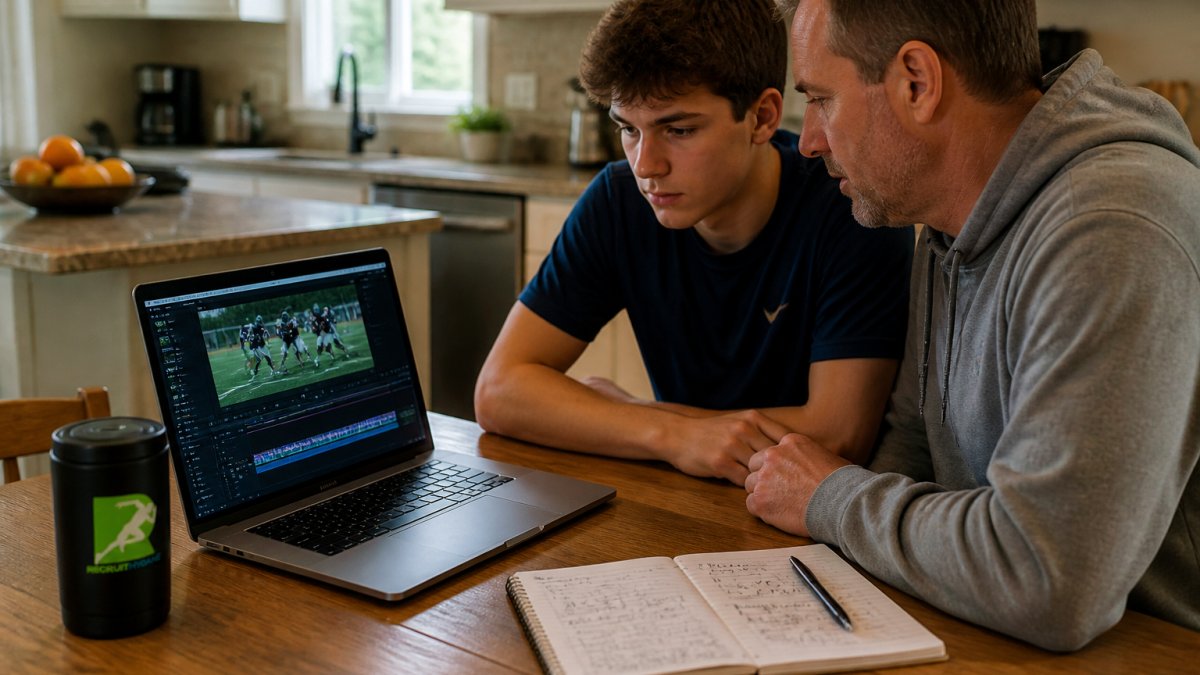
A clean structure groups clips into buckets. Offense in one block, defense in another. Within each block, order by skill. A coach evaluating a linebacker wants to see tackling, then coverage, then pursuit angles, all grouped together.
Sport-specific clip order that matches how coaches evaluate
Different sports have different evaluation rhythms, and your clip order should match them, so a baseball coach watches hitting, then fielding, then baserunning, while a soccer coach wants your first touch, then movement off the ball, then finishing, and a basketball coach scans for shooting, then defense, then decision-making.
| Sport | First block | Second block | Third block |
|---|---|---|---|
| Football | Position skill | Blocking or tackling | Special teams |
| Basketball | Shooting | Defense | Passing and IQ |
| Soccer | First touch | Off-ball movement | Finishing |
| Baseball | Hitting | Fielding | Baserunning |
| Track | Primary event | Secondary event | Starts and form |
The point is to give each coach the footage they came for in the order they expect it, because that respect for their time separates a reel that gets a reply from one that gets ignored.
Recruiting Video Length: How Long Is Too Long
The ideal recruiting video length is two to four minutes for a highlight reel, with your best plays in the first minute. Anything past five minutes and you're asking a coach to do homework. They won't. Keep it tight, and let the quality of the plays carry the weight.
Here's the tradeoff nobody tells you about: a short reel forces you to cut good plays, which feels painful, but a short reel a coach actually finishes beats a long one they abandon after forty seconds every time.
A practical timeline looks like this:
- Opening sequence: 20 to 30 seconds of your strongest plays
- Skill blocks: 60 to 90 seconds grouped by position skill
- Closing plays: 20 to 30 seconds of your next-best moments
- Total runtime: aim for under four minutes
If a coach wants more, they'll ask. And when they ask, that's when you send the full game footage.
Recruiting Film Examples: What a Clean Highlight Reel Looks Like
A clean highlight reel has one job: make you easy to evaluate. That means clear footage, a visible jersey number, and no distractions. When you look at strong recruiting film examples, you'll notice they feel almost boring in their clarity. No wild transitions, no heavy filters, no music blasting over the action.
What a good example includes:
- A title card with your name, position, graduation year, and contact info
- Your jersey number noted on screen at the start of each clip
- Wide-angle footage that shows the whole play, not just you
- A scoreboard or down-and-distance graphic when it adds context
- Consistent volume and no audio spikes
What to leave out of your examples
Cut anything that makes a coach work harder to evaluate you, including shaky handheld footage, clips where you're off-screen half the time, long intros with your name spinning in 3D, and plays where the camera loses you even if the play was great.
Leave out the music-only reels too, because some coaches watch with sound off and a reel that depends on a soundtrack falls flat in silence, so let the plays do the talking.
How to Share Hudl Film With Coaches Who Aren't on the Platform
Not every coach you want to reach lives inside the same video platform, and that reality should shape how you deliver your film from the very first export.
A simple delivery checklist:
- Export as MP4 with H.264 compression at 720p or 1080p
- Test your link on a phone and a laptop before sending
- Make sure no login or password is required to view
- Confirm the video plays without buffering on a cellular connection
- Add your name, position, and graduation year to the video title
- Include the link in the first email, not buried in a signature
- Double-check that the link doesn't expire or require a download
One thing most families overlook is captions and audio. Some coaches watch film with the sound off, so if you include any voiceover or commentary, add captions so the information still lands.
RecruitMyGame's platform gives athletes a personalized web address and QR business cards, so when you hand a coach a card at a camp, they scan it and land straight on your profile and film.
How to Measure Whether Your Film Is Working
You can't improve what you don't track, and most families never track anything beyond a vague sense that their film isn't getting the response they hoped for.
Start by separating your metrics into two buckets: reach and engagement. Reach is how many coaches opened your email or clicked your link.
RecruitMyGame's recruiting analytics show you visits, video plays, and how coaches engage with your profile. Even without built-in analytics, you can track the basics with a simple spreadsheet.
What to watch:
- Video plays per program, not just total views, because one coach watching five times matters more than five coaches watching once
- Which schools open your profile more than once, since repeat visits are the strongest signal of genuine interest
- Whether your outreach emails get replies within a week, and if not, whether your follow-up gets a response
- How your film performs after you update it, because a new opening sequence or a fresh batch of game footage can change your results
- Whether coaches ask for full-game film, which is the clearest sign your highlight reel did its job
A common pattern is that athletes see a spike in views right after they send a batch of emails, then nothing. That's normal, and it doesn't mean your film failed.
Frequently Asked Questions
Should I organize recruiting film by game or by skill?
Most college coaches prefer skill-based organization because it lets them evaluate specific abilities quickly, especially if they only watch the first minute or two. Group your best blocks, tackles, catches, or shots together so a coach can see your position-specific skills in one stretch. You can still include a few full-game clips at the end for context, but lead with the skill groupings that match what coaches at your position actually evaluate.
How long should a recruiting highlight video be?
Aim for three to five minutes for your main highlight reel. Coaches are reviewing hundreds of athletes, so anything longer than five minutes often goes unwatched. If you have a lot of strong footage, create a shorter two-minute version for initial outreach and keep a longer five-minute cut for coaches who ask for more. Recruiting video length matters less than the quality of the first thirty seconds, which is where most coaches decide whether to keep watching.
How do I share my Hudl film with a coach who is not on Hudl?
Hudl lets you create a public or unlisted link that anyone can view without an account. Open your highlight or playlist, select the share option, and choose the link-sharing setting that does not require a Hudl login. Copy that link and paste it into your recruiting emails or text messages. Always test the link on a device that is not logged into your Hudl account to confirm it opens properly for coaches.
What if I don't have Hudl film to share?
You can still build a recruiting film using phone footage or game film from your school's video coordinator. Film from the sideline or press box at a wide angle so coaches can see the whole play, and keep the camera steady. Once you have clips, you can edit them together using free or low-cost video editing software and upload the finished reel to YouTube or a personal recruiting profile page. The platform matters less than the clarity of the footage and how easy it is for a coach to find your best plays.