 how-to
Do Coaches Use QR Code Business Cards? A Guide for Athletes
Table of Contents
- Yes, Coaches Are Actually Using QR Code Business Cards
- Why QR Code Business Cards Work for Athlete Recruiting
- Digital Business Cards for Athletes: What Sets Them Apart
- How to Create a QR Code for Highlight Reels and Recruiting Materials
- Best Practices for Athlete Business Cards That Actually Convert
- Tracking Engagement and Measuring Your QR Code's Impact
- Common Mistakes Athletes Make With QR Code Business Cards
- Conclusion: Making QR Code Business Cards Part of Your Recruiting Strategy
- Frequently Asked Questions
Last Updated: September 23, 2026
Yes, Coaches Are Actually Using QR Code Business Cards
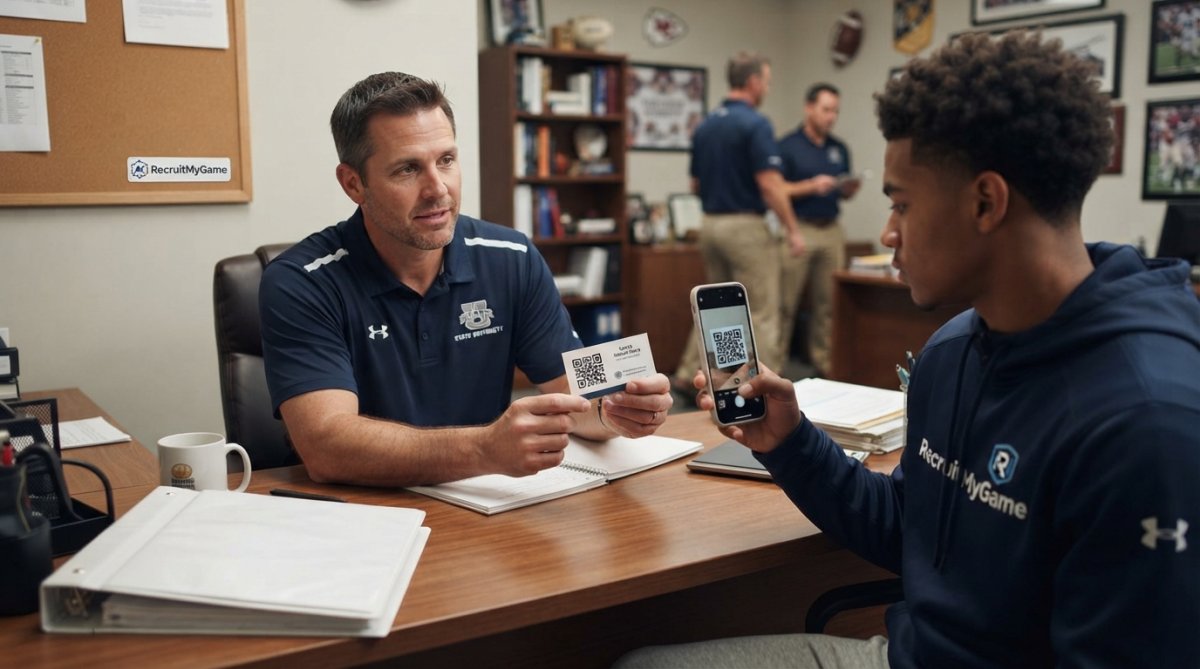
Coaches are now adopting QR code business cards as a standard networking tool because they solve a real recruiting problem: they give coaches instant access to your highlight reels, academic records, and recruiting profile without forcing them to type anything into their phone or hunt through email. Understanding how to use them properly can genuinely improve your chances of getting recruited.
When a coach meets dozens of athletes at tournaments and showcases, they need a fast way to remember who you are and find your film later, and a QR code does exactly that by letting them scan your card and instantly access your recruiting profile instead of fumbling to enter your information manually.
Why QR Code Business Cards Work for Athlete Recruiting
QR code business cards remove friction from the coach's decision-making process by letting them scan your card and instantly access your entire recruiting profile, highlight reel, stats, academic record, and contact information, without having to search through a pile of cards or remember your name.
A digital business card for athletes also allows you to update your information instantly without reprinting cards, so if you improve your vertical jump, add new highlight footage, or change your college preferences, every coach who has your card will see the new information the next time they scan it.
QR codes also let you track how many times coaches have scanned your code and which sections of your profile they spent the most time viewing, which tells you which coaches are actually interested in you so you can focus your recruiting efforts on schools that are genuinely interested.
Digital Business Cards for Athletes: What Sets Them Apart
When a coach scans your QR code business card, they're not just getting your contact information; they're accessing your highlight reel, statistics, academic record, position, height and weight, and social media profiles, which gives coaches everything they need to make an initial evaluation without searching for you online. Streamlining this data delivery ensures that your profile remains competitive as you prepare to integrate professional online coaching services into your development strategy.
Include a clear call to action on your QR code business card that makes it easy for coaches to reach out to you, whether that's scheduling a call, signing up for recruiting updates, or viewing your full profile, because coaches managing dozens of positions simultaneously need a clear next step or you might fall through the cracks.
Since coaches are scanning your code with their phone, your recruiting profile needs to load quickly and display beautifully on a small screen, because if it takes forever to load or looks cluttered, coaches will get frustrated and move on to the next athlete.
How to Create a QR Code for Highlight Reels and Recruiting Materials
Creating a QR code for your highlight reels is simpler than most athletes think: decide what you want the code to link to (typically a dedicated recruiting profile on a platform like RecruitMyGame), then use a free QR code generator to create the code by pasting your link into the generator, and download it to print on your business cards.
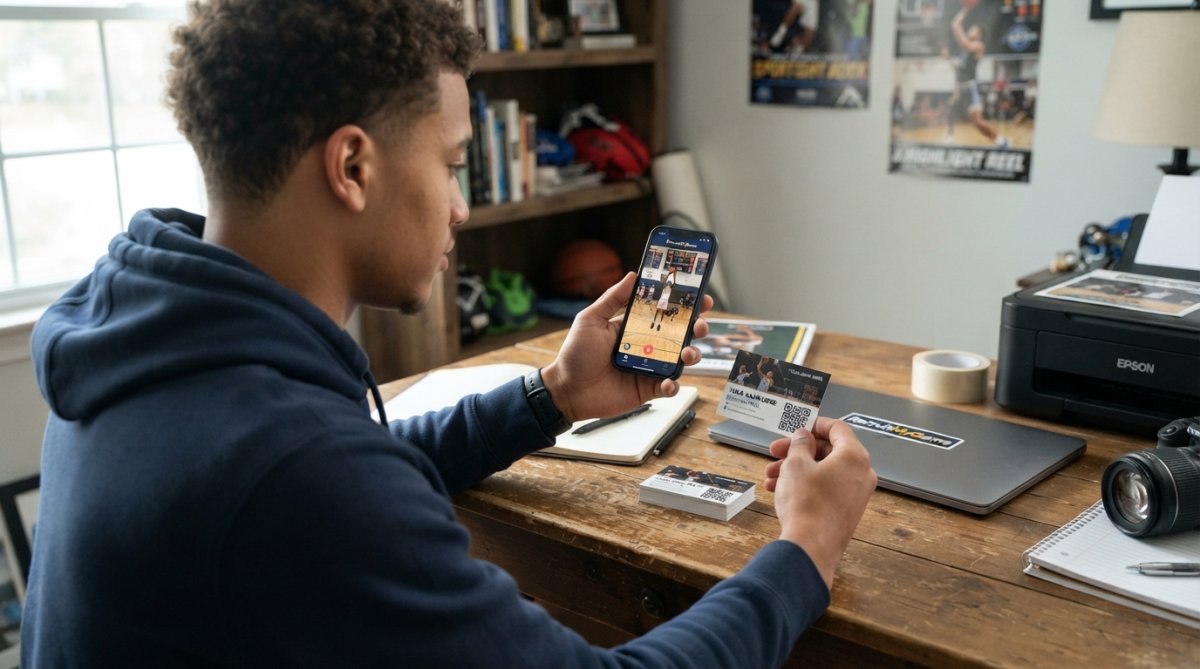
The key to making this work effectively is ensuring that whatever page your QR code links to is specifically designed for coaches. Your recruiting profile should load quickly, display beautifully on mobile devices, and include your most important information front and center: your highlight reel, your position and stats, your academic record, and an easy way for coaches to contact you or schedule a call. If you're using a recruiting platform like RecruitMyGame, this work is largely done for you, the platform creates a professional recruiting profile that's optimized for coaches, and you simply generate a QR code that links to it.
When you're designing your QR code business card, keep the design clean and professional. Your QR code should be large enough to scan easily (at least 1 inch by 1 inch), and there should be plenty of white space around it so coaches can scan it without difficulty. Include your name, position, and phone number on the card in addition to the QR code, just in case a coach prefers to contact you directly rather than scanning the code. You want to make it as easy as possible for coaches to reach you through whatever method they prefer.
Best Practices for Athlete Business Cards That Actually Convert
The goal of your business card isn't just to give coaches your contact information, it's to get them to actually watch your film and consider recruiting you. With that in mind, your card design should communicate professionalism and clarity. Use a clean, simple layout with high contrast between your text and background so the QR code scans easily. Avoid cluttering your card with too much information or using fonts that are so small they're hard to read. Remember that many coaches will be handling dozens of cards during a recruiting event, so your card needs to stand out and be easy to scan without any confusion.
The content you link to through your QR code matters just as much as the card design itself. Your recruiting profile should tell a complete story about who you are as an athlete. Start with your best highlight reel, coaches typically spend 30-60 seconds evaluating your film before deciding whether to learn more about you, so your highlights need to showcase your best moments and your most relevant skills for your position.
Tracking Engagement and Measuring Your QR Code's Impact
One of the most underutilized advantages of QR codes for recruiting is the ability to track engagement and measure which coaches are actually interested in you. When you use a dynamic QR code (as opposed to a static one), you can see exactly how many times the code has been scanned, when it was scanned, and sometimes even which geographic location the scan came from.
Common Mistakes Athletes Make With QR Code Business Cards
The first major mistake athletes make is creating a QR code that links to a generic or poorly designed recruiting profile. Your QR code is only as good as the page it links to, and if coaches scan your code and find themselves on a slow-loading, unprofessional, or confusing recruiting profile, you've just wasted the opportunity to make a good impression.
Conclusion: Making QR Code Business Cards Part of Your Recruiting Strategy
QR code business cards have become an essential tool for athletes who want to stand out to college coaches, and the data shows that coaches are actively using them during the recruiting process. The coaches who matter most, the ones who are seriously evaluating you as a potential recruit, are scanning your code and reviewing your profile. By creating a professional QR code business card and linking it to a well-designed recruiting profile, you're removing barriers between coaches and your film, making it easier for them to evaluate you and ultimately making it more likely that you'll get recruited.
Frequently Asked Questions
Are QR codes on business cards effective for networking with college coaches?
Yes, QR code business cards work because they eliminate friction in the recruiting process. When a coach scans your code, they're instantly connected to your highlight reel, stats, and contact information without typing anything. This contactless networking approach fits how coaches actually work during recruiting events and tournaments, where they're juggling dozens of athlete interactions and need quick access to your profile.
What information should I include in my QR code business card?
Your QR code should link to a landing page that includes your highlight reel, athletic stats, academic information, social media links, and a direct booking link or contact form. Keep it organized so coaches can find what they need in seconds. Include your name, position, graduation year, and a clear call to action like 'Schedule a Call' or 'Watch My Film.' The best digital business cards for athletes also show your professional credentials and any awards or recognitions.
Do college coaches prefer digital or physical business cards?
Coaches appreciate having both. Physical business cards with QR codes give them something tangible to keep or pass along, while the QR code provides instant digital access to your full recruiting profile. This hybrid approach combines the best of both worlds: the first impression of a professional card and the convenience of immediate mobile optimization. Coaches often scan the code right there at the event and save your contact information directly to their phone.
How can I track whether coaches are actually scanning my QR code?
Use a dynamic QR code that tracks scan rate and engagement metrics. These codes let you see how many times they've been scanned, when they were scanned, and which device was used. This data helps you understand your networking efficiency and which events or interactions are generating the most interest from coaches. Platforms that provide conversion tracking show you exactly which coaches engaged with your profile and how long they spent viewing your materials.
Take control of your recruiting strategy today. Try RecruitMyGame's Super Charged Pro plan and get access to professional QR code business cards, comprehensive recruiting analytics, and AI-powered college matching that identifies programs with genuine roster needs for your position. Stop sending recruiting emails to programs that are already full and start getting seen by the coaches who are actually looking for athletes like you.