 how-to
Using QR Codes for Athletic Recruiting: A 2026 Guide
Table of Contents
- Why QR Codes Matter in Athletic Recruiting Today
- Setting Up Your Student-Athlete Recruiting Business Card
- Creating a College Recruiting Highlight Video That Coaches Actually Watch
- How to Email College Coaches With Your QR Code
- Asking the Right Questions to Ask College Coaches
- QR Code Placement Strategies at Showcases and Live Events
- Tracking Your Recruiting Success and Next Steps
- Frequently Asked Questions
Last Updated: October 17, 2026
Why QR Codes Matter in Athletic Recruiting Today
Using QR codes for athletic recruiting has become one of the smartest moves you can make as a student-athlete trying to get noticed by college coaches. Instead of hoping coaches stumble across your name or film somewhere online, a QR code puts your entire recruiting profile directly in their hands the moment they scan it. It's that simple and that powerful.
Think about what happens at a showcase or recruiting event. A coach is watching dozens of athletes in a single day, taking notes, evaluating talent, and trying to remember who impressed them most. By the time they get back to their office, the details blur together. But if you hand them a recruiting business card with a QR code that links to your profile, stats, highlight video, and contact information, you've solved their problem. They don't have to search for you later. They don't have to guess your name or position. They have everything they need right there.
The real advantage is control. When you use QR codes for athletic recruiting, you control what coaches see first. You decide which highlight video takes center stage. You choose how your stats are presented. You pick which photos appear. This beats hoping a coach finds your social media or stumbles onto a recruiting portal where your information might be outdated or incomplete.
A well-designed QR code strategy is part of a comprehensive system, but it only works if you understand how to set it up, where to place it, and what to put behind it.
Setting Up Your Student-Athlete Recruiting Business Card
A recruiting business card with a QR code is your personal recruiting tool. The card itself is simple: your name, your position, your sport, and a QR code that links to your full recruiting profile.
Start by deciding what information belongs on the card itself. Keep the physical card minimal. Your name, position, school, and the QR code are the essentials. You can add your sport and graduation year if you have room, but don't clutter it. The card is just the gateway.
The QR code itself should link to a personalized web address that showcases your recruiting profile. This is where your highlight video plays, where coaches see your game statistics, where they find your contact information, and where they can request more information if they're interested.
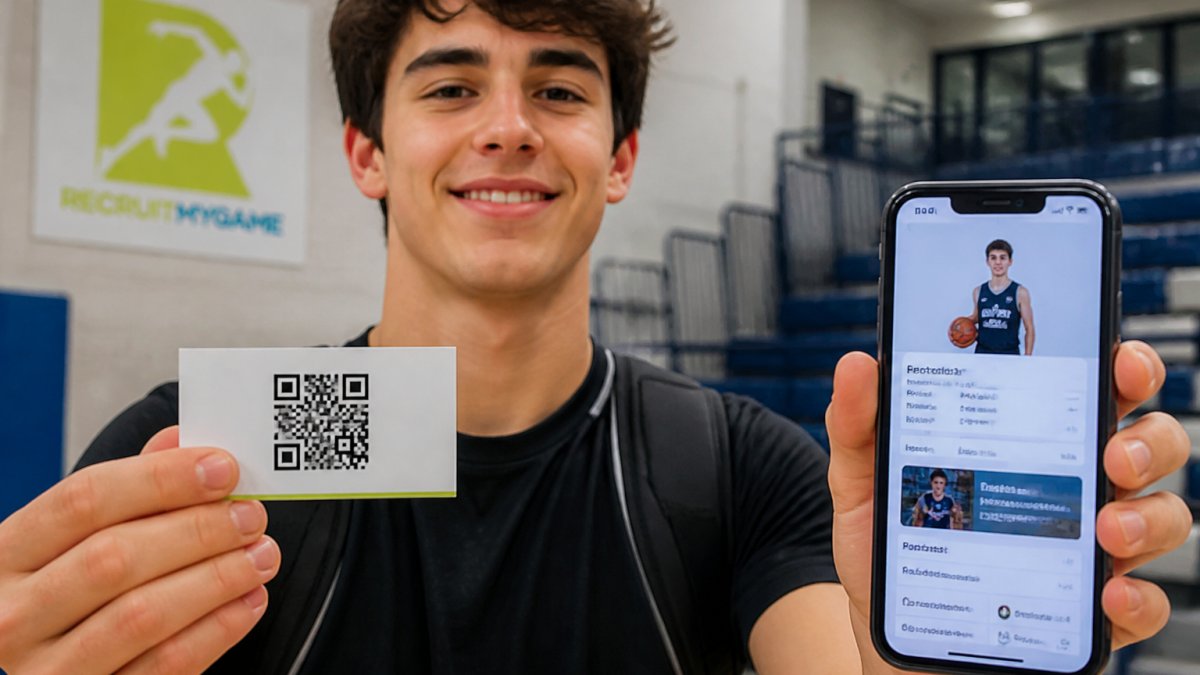
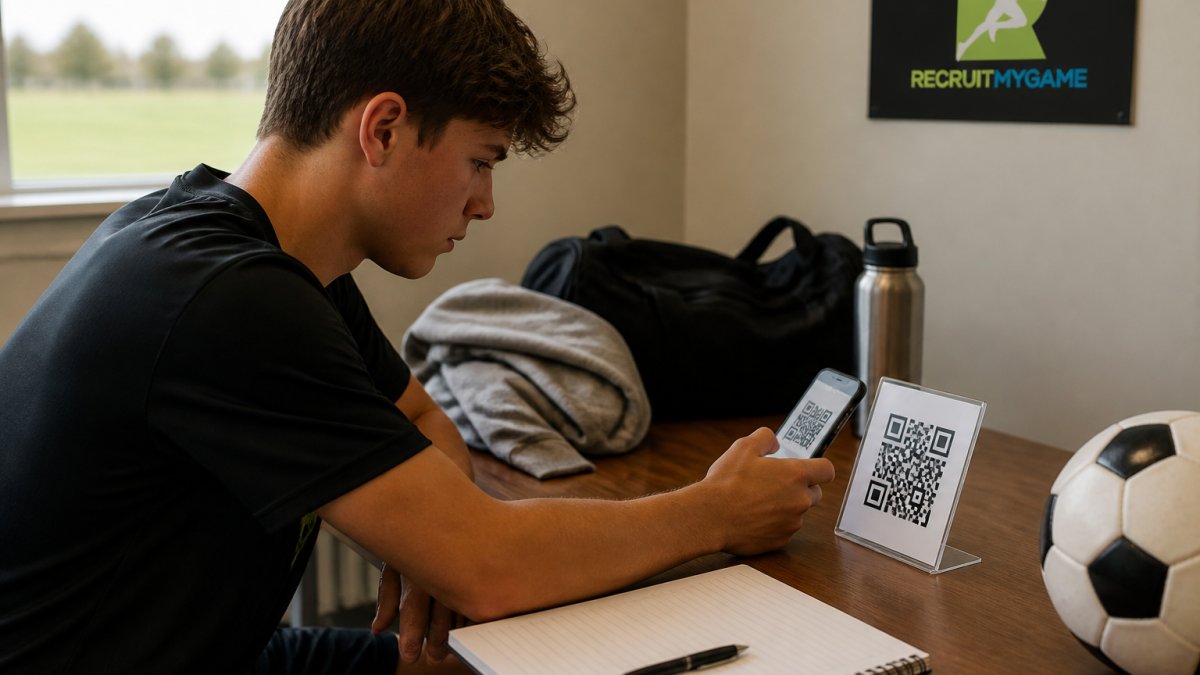
Make sure your QR code is large enough to scan easily. A QR code that's too small or printed too faintly will frustrate coaches and they'll skip it. Test your code before you print cards. Scan it yourself from different distances and angles to make sure it works reliably.
Design the card professionally. This doesn't mean expensive. Use a clean template with good contrast between the background and text. Black QR codes on white backgrounds scan the fastest and most reliably. Avoid putting your QR code on a colored background unless you've tested it thoroughly first.
Creating a College Recruiting Highlight Video That Coaches Actually Watch
Your highlight video is the centerpiece of your recruiting profile, and it needs to grab attention in the first five seconds. Coaches don't watch full games. They watch clips. A great recruiting highlight video is typically two to three minutes long and shows your best plays, your athleticism, your decision-making, and your consistency.
Start by selecting plays that demonstrate what makes you valuable at your position. If you're a volleyball player, show kills, blocks, and digs that prove you can execute under pressure. If you're a soccer midfielder, show passing accuracy, field vision, and defensive recovery.
Edit your video with your name and position clearly visible. Add jersey numbers, dates, and opponent information so coaches know when and where these clips happened. Use music that's energetic but not distracting. The focus should stay on your play, not the soundtrack. Keep the pacing tight. Cut out the dead time between plays.
Include a variety of situations. Show yourself making plays when your team is ahead and when you're fighting back. Show both successful plays and how you respond to mistakes. Show yourself communicating with teammates and displaying leadership. A three-minute video that shows range and character is far more convincing than five minutes of just your best moments.
When you link this video behind your QR code, make sure it's the first thing coaches see when they land on your profile. Don't make them scroll or search for it. The video is your audition. It should play immediately and show your skills in the clearest possible light.
How to Email College Coaches With Your QR Code
After a coach scans your QR code at a showcase or event, follow up with an email that reinforces what they just saw. Your email should be brief, professional, and include a reference to your QR code so they can easily find your profile again if they've misplaced the card.
Keep your subject line clear and direct. Something like "Recruit Profile: [Your Name], [Position]" works well. In the email body, remind them who you are, what position you play, and when they saw you compete. Reference the specific game or event where you met them. This helps them place you among the dozens of athletes they evaluate.
Include a link to your QR code profile in the email. Make it easy for them to get back to your information with one click. Some coaches will have scanned your code immediately. Others might need to find it again later. Either way, having that link in the email removes friction.
Keep the email to three or four short paragraphs. Don't oversell yourself. Let your video and stats do the talking. Coaches want to see what you can do, not read a long explanation of why you're great.
Send your email within 24 hours of meeting the coach. The interaction is still fresh in their mind and they're more likely to open and read your message. If you wait a week, your email gets buried in their inbox along with dozens of others.
Asking the Right Questions to Ask College Coaches
When you get the chance to talk to a college coach, asking smart questions shows you're serious and thoughtful about your recruiting process. The best questions focus on what the program actually needs and whether it's a good fit for you.
Ask about roster needs at your position. This is the question that matters most. A coach will be honest if they're looking for someone who plays your position.
Ask about the coaching staff's stability. How long has the head coach been there? What's the turnover rate among assistant coaches? A coach who's been at the program for five years is more likely to still be there when you graduate than one who's been there for one year.
Ask about playing time expectations. What does it take to earn minutes as a freshman? How many players does the coach rotate in at your position? Some programs redshirt athletes regularly. Others play freshmen immediately. Understanding the philosophy helps you set realistic expectations.
Ask about academic support and resources. What's the tutoring situation like? How much flexibility do you have with your class schedule? Are there academic advisors who work specifically with athletes?
Ask about the team culture. What's the coaching style like? How does the team handle adversity? What's the relationship like between coaches and players? These questions help you figure out if you'll actually enjoy being part of the program, not just whether you can compete there.
QR Code Placement Strategies at Showcases and Live Events
Where you place your QR code at a showcase or event determines whether coaches will actually scan it. The physical placement of your recruiting business card matters as much as the content behind it.
Hand your card directly to coaches whenever you get the chance. Don't leave cards on a table hoping someone will pick them up. Make eye contact, introduce yourself, tell them what position you play and what school you attend, and hand them a card.
If you're wearing a recruiting jersey or uniform at the event, consider adding a small QR code to your jersey or warm-up gear. Some athletes use wearable QR tags that link to their profile.
Place cards at the check-in table if the showcase allows it. Some events have a board where athletes can post their information. A card with a QR code stands out because it's more interactive than a printed resume or flyer.
Don't scatter cards everywhere. Be strategic. You want coaches who are actually interested in your sport and your position to find your code. A few well-placed cards in front of the right people are worth more than dozens of cards left randomly around the venue.
After the event, follow up with any coach who took your card. Reference the event and the conversation you had. Remind them about your QR code and your profile. Some coaches will have scanned immediately. Others might need that reminder to actually pull out their phone and check you out.
Tracking Your Recruiting Success and Next Steps
Once you've distributed your QR codes and coaches are scanning them, you need to know what's happening. Are coaches actually viewing your profile? Are they watching your highlight video? Are they clicking through to contact you? Tracking this data helps you understand what's working and what needs adjustment.
Most recruiting profile platforms track basic metrics like profile views and video plays. Pay attention to these numbers. If your profile is getting views but your video isn't being watched, that's a sign you need to improve the first few seconds of your video.
Track which events generate the most profile activity. If coaches at one showcase are scanning your code at a higher rate than coaches at another event, that tells you something about where your target programs are recruiting.
Keep a spreadsheet of coaches who have expressed interest in you. Note when they viewed your profile, what video they watched, and any direct communication you've had.
As you move through your recruiting journey, your profile will evolve. Your highlight video might get updated with new footage. Your stats will change as you play more games. Your academic record will improve.
The ultimate goal is to turn profile views into coach interest and coach interest into offers. Every interaction with a coach is a step in that direction. Your QR code strategy is one tool that makes that process easier and more professional.
Getting recruited requires more than just athletic talent. You need coaches to actually find you, evaluate you fairly, and understand what you can bring to their program.
Frequently Asked Questions
What should a student-athlete include on a recruiting business card with a QR code?
Your recruiting business card should include your name, position, high school, graduation year, and the QR code that links to your athlete profile. Include your phone number or email if space allows, and keep the design clean so the QR code scans easily. The card should direct coaches to a comprehensive profile that showcases your highlight video, statistics, academic information, and contact details all in one place.
How often should you update your recruiting QR code?
Update your QR code whenever you add new highlight videos, statistics, or significant achievements to your profile. Most student-athletes should refresh their content every 4-6 weeks during the recruiting season, especially after showcases or strong performances. The QR code itself doesn't need to change if it links to a dynamic profile page that updates automatically, so coaches always see your most recent information.
Can a QR code link to both a highlight video and an athletic profile?
Yes, your QR code should link to a central profile page that includes your highlight video, statistics, academic record, and contact information. This single link gives coaches everything they need in one scan rather than forcing them to search for multiple pieces of information. Platforms designed for athlete recruiting allow you to organize all this content on one page that the QR code directs coaches to.
Where should student-athletes share their recruiting QR codes?
Share your recruiting QR code at showcases and live events by wearing it on a recruiting jersey or having it on your business card, in your email signature when contacting coaches, on your social media profiles, and in any printed materials you hand out at camps or tournaments. The goal is to make it easy for coaches to access your full profile whenever they encounter you, whether in person or online.